Grocery Buddy Concept Design & Branding
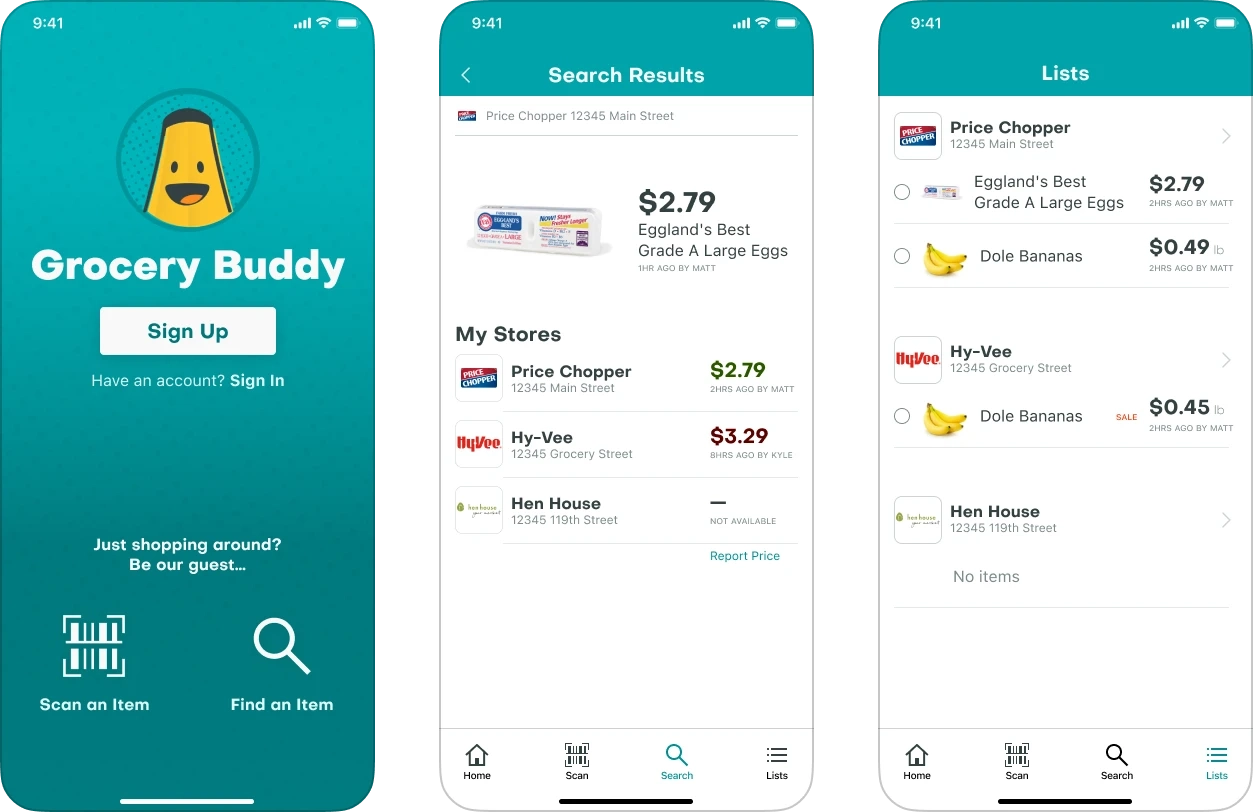
The Grocery Buddy app is the best way to compare prices on products at your favorite stores. With real-time prices contributed by nearby shoppers and a smart shopping list with deal alerts, Grocery Buddy shoppers know they’re getting the best price on everything they buy.
My role: Concept & Design
The Problem
Before Grocery Buddy, people who shopped at multiple stores were in the dark about where to find the lowest prices for the groceries they buy every day. Store websites and apps are hard to navigate and don’t always show prices.
The Solution
Grocery Buddy helps shoppers quickly find current prices at their favorite stores. Even better, Grocery Buddy’s smart shopping list shows price changes and sales, helping shoppers easily save time and money.
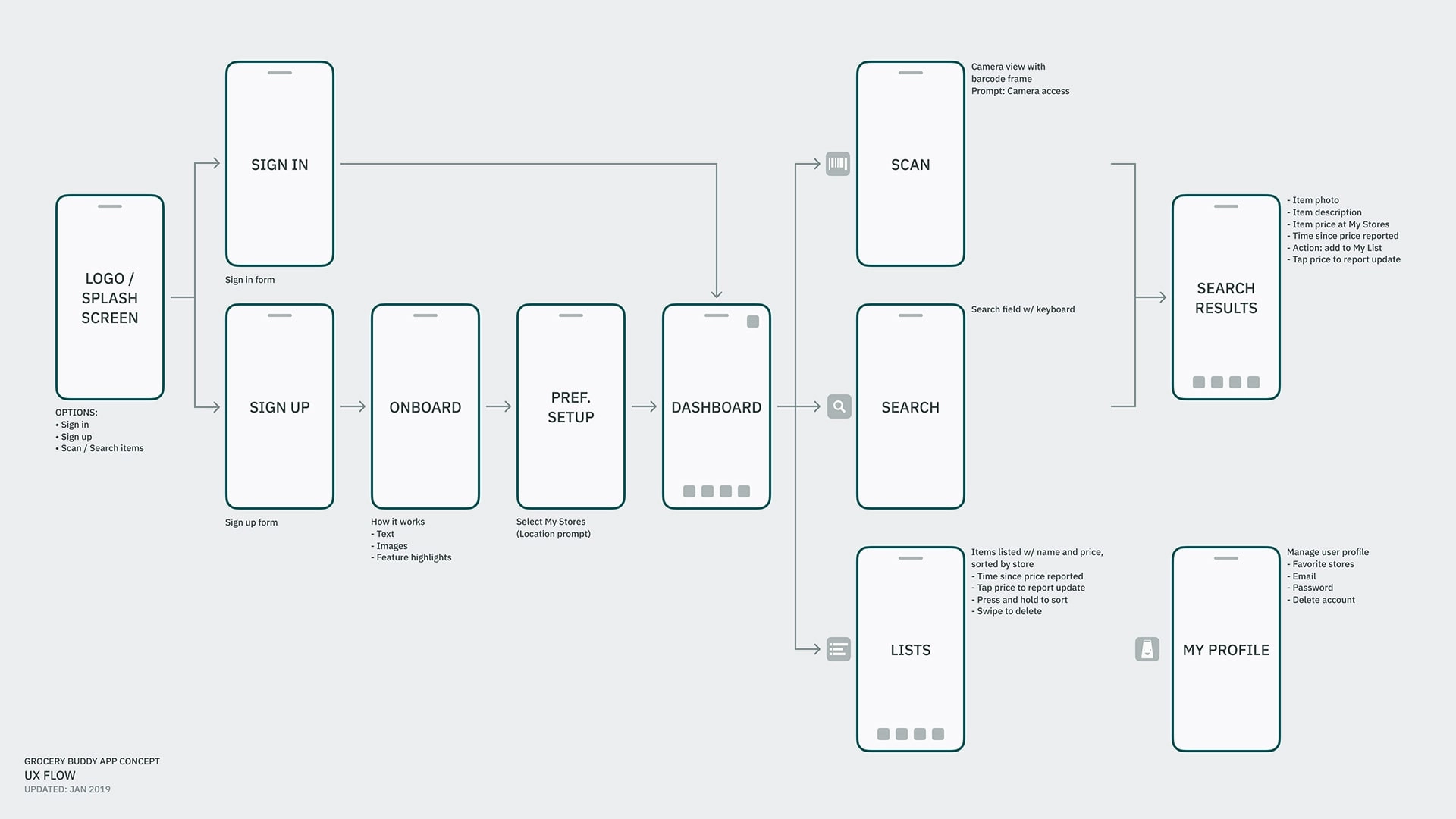
User Flow
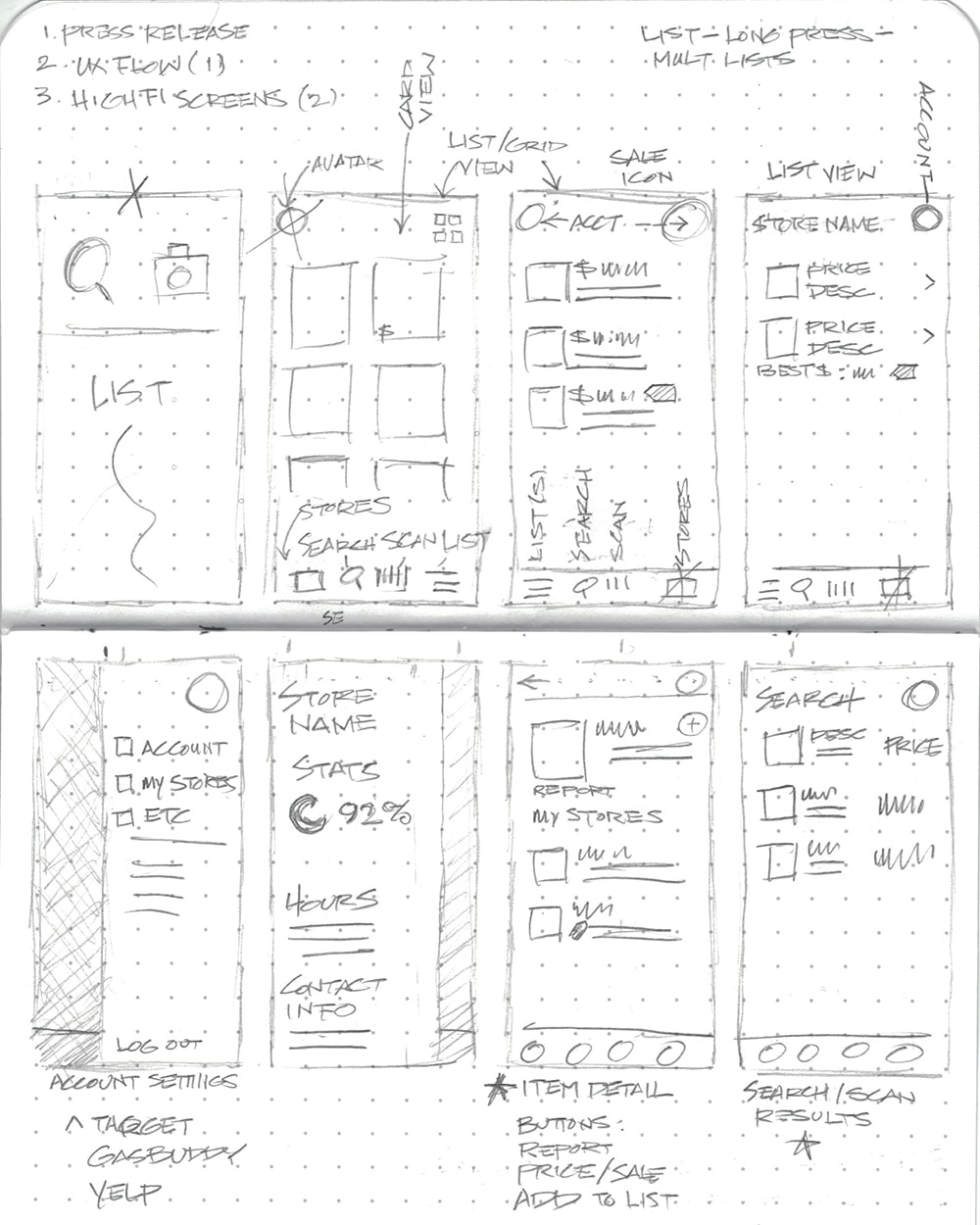
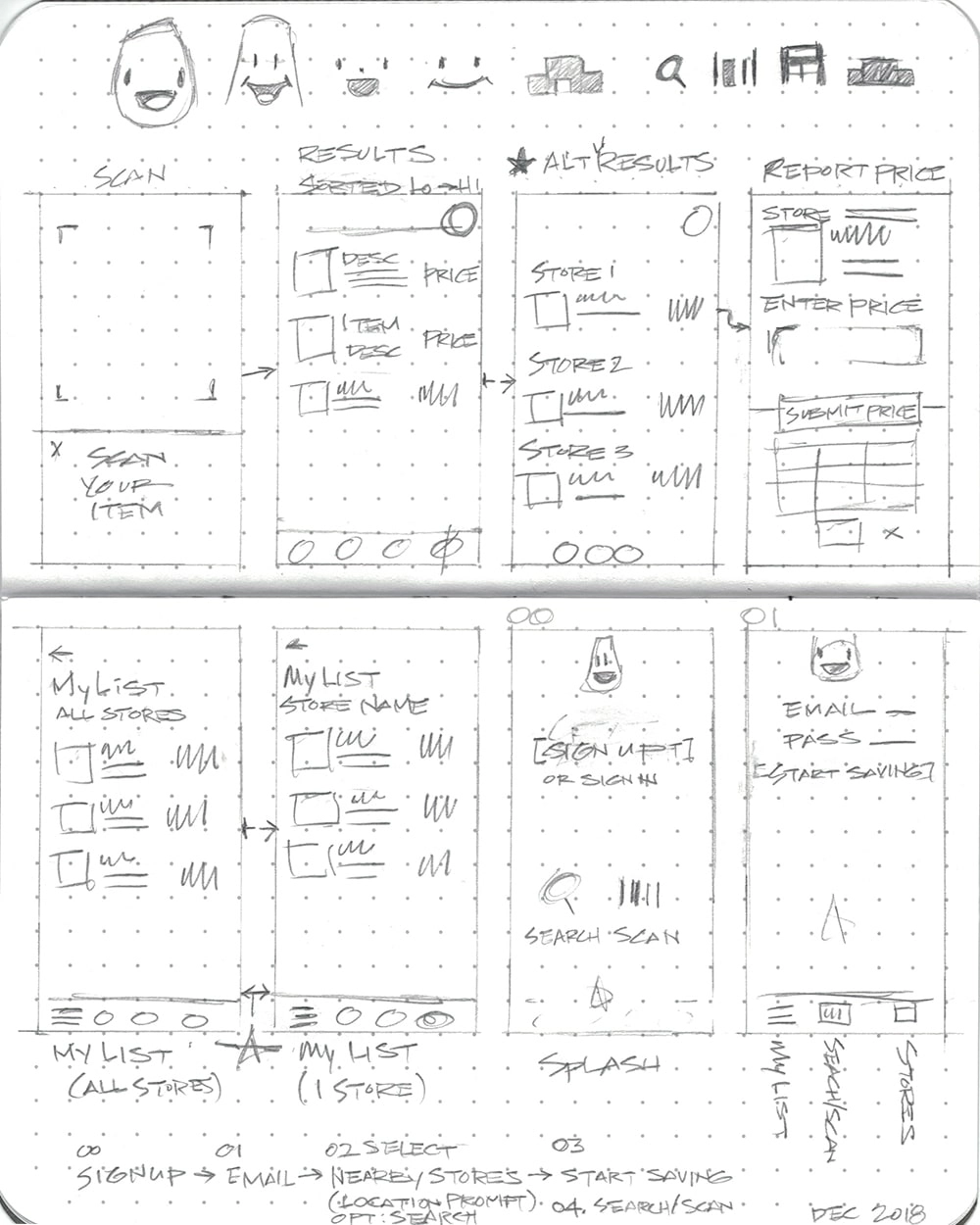
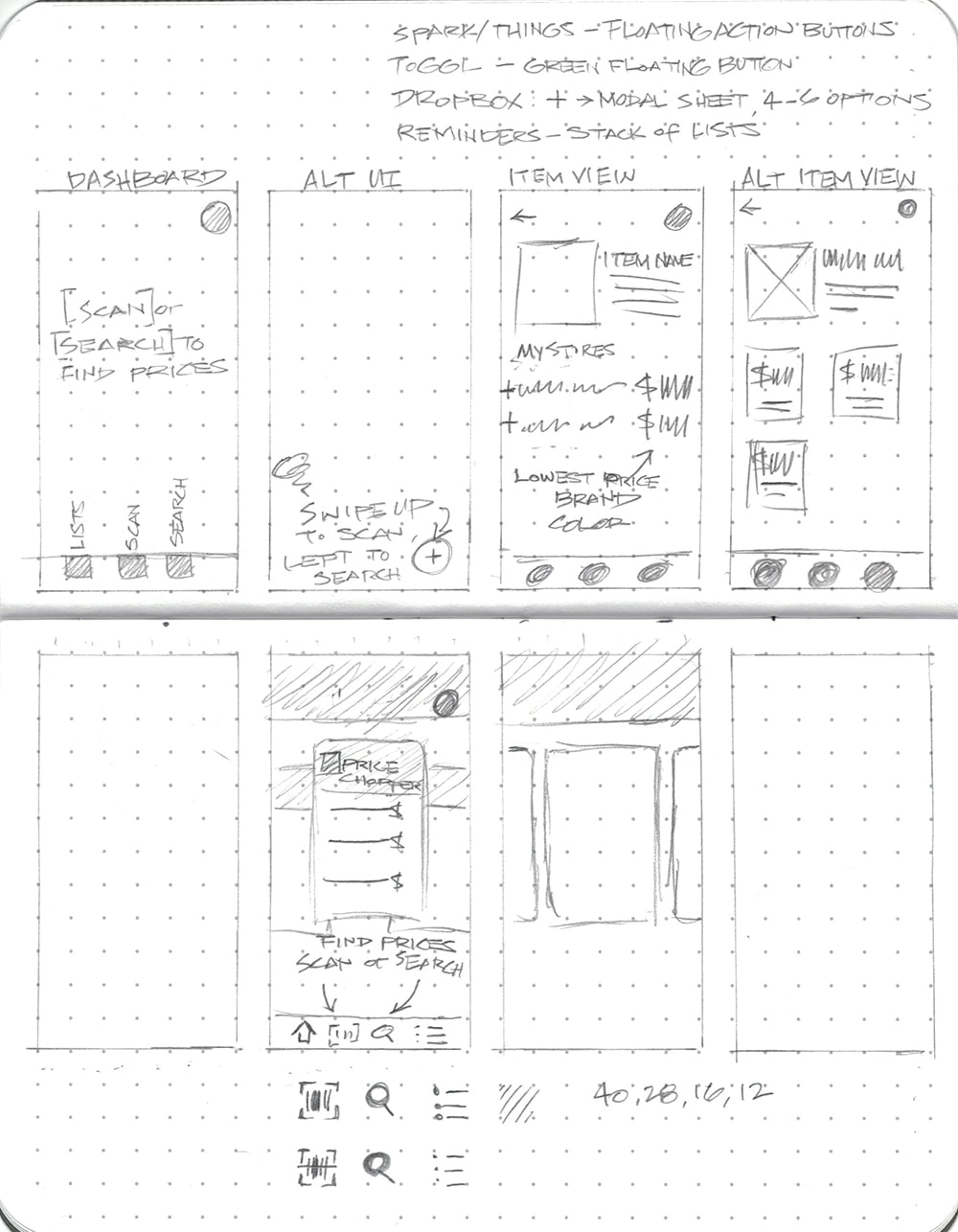
Concept Sketches
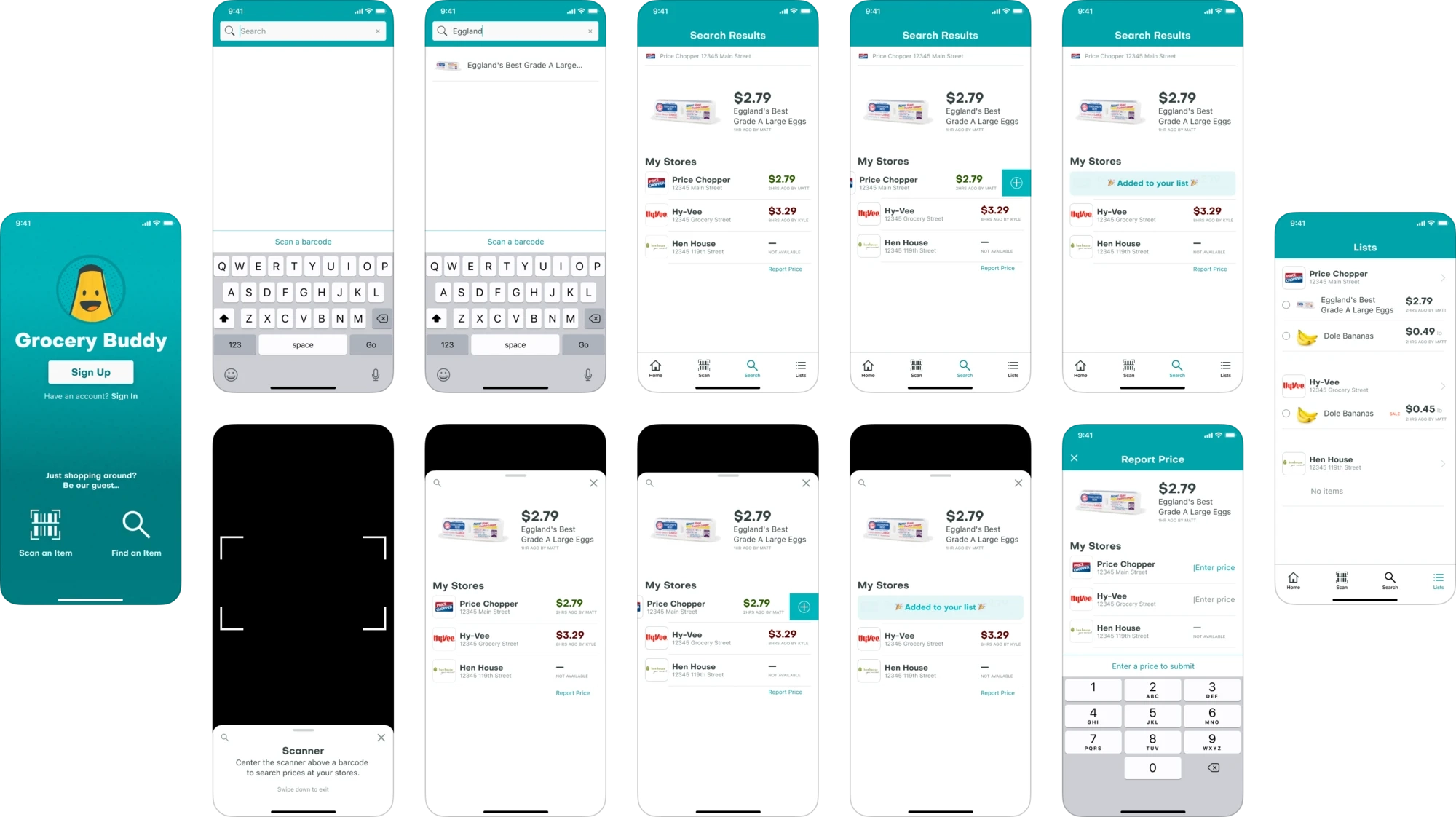
Visual & UI Design
Icon Design Process
